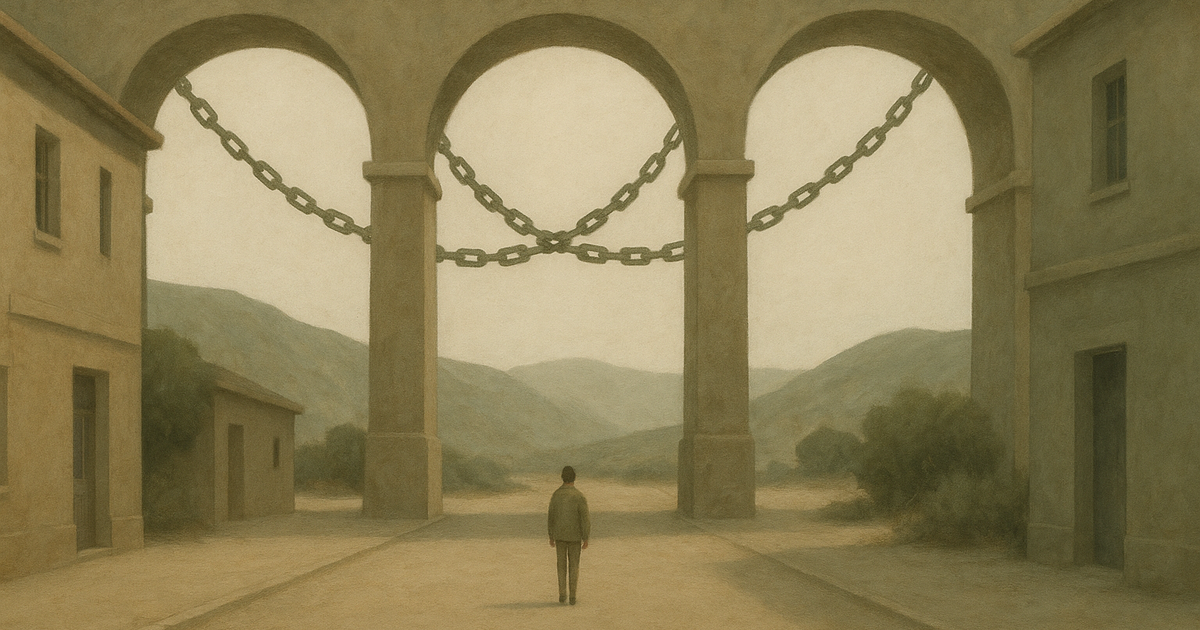

Will the Links You Inherit Fade? Link Decay After You Buy a Domain
When you buy a domain that already has links pointing at it, some of those links stick around and some quietly disappear. Here's what inherited backlink decay after a domain purchase really looks like — and what you can do about it.
Say you buy a domain that another business used for years. It already has other websites linking to it — a local paper, a supplier, an old directory. Those links are part of why the name feels valuable. They tell Google the site has been around and other people point to it.
So here's the fair question: once the old business is gone and you take over, do those links stay? Or do they slowly fall away?
The short answer is that some stick and some fade. Understanding inherited backlink decay after a domain purchase helps you set honest expectations before you buy — not hope for traffic that was never going to last.
What "inherited links" actually are
A backlink is just another website linking to yours. Think of a plumber whose work got written up in the city business journal, with a link back to his site. Or a hardware supplier that lists its installers and links each one.
When you buy that domain, those links don't move. They still sit on the other websites, still pointing at the web address you now own. That's the part people mean when they talk about links coming "with" a domain.
But those links live on pages you don't control. And pages you don't control can change.
Yes, some links fade — here's why
Link decay is normal. It happens to every website over time, bought or not. Here are the common reasons an inherited link disappears:
- The other page gets deleted. A news story gets archived. A directory shuts down. A supplier redoes their site and drops the old list. The link goes with it.
- The other site cleans house. Someone updates an old blog post and removes outdated links, including yours.
- The link was already broken. Some links that look live are actually pointing at a page that no longer loads. They were decaying before you ever showed up.
- The content doesn't match anymore. If the old site sold flooring and you run a dental clinic, a link that says "flooring installer" still points at your address — but it's now pointing at something that makes no sense. Google figures that out, and the link stops helping.
That last one matters most for a small business changing the use of a name. A link isn't just a vote. It's a vote for a specific thing. Change the thing completely and the vote loses its weight.
What usually sticks
It's not all bad news. Plenty of inherited links hold up fine:
- Links on stable, well-run sites — a city government page, a trade association, an established local paper — tend to stay put for years.
- Links where the topic still fits what you do. If you buy a domain from a roofer and you're also a roofer, those links keep working because they still make sense.
- Links that were earned honestly, from real sites, for real reasons. Those are the ones worth having.
Before you buy, it's worth knowing which bucket a domain's links fall into. Our guide on how to audit a domain's backlink profile before you buy walks through how to check what's really there, and how to weigh a domain by its backlink equity helps you judge whether the links add real worth or just look good on paper.
Not every inherited link is a good one
Some older domains picked up junk links over the years — spammy directories, link farms, pages nobody reads. When those fade, that's fine. You don't want them anyway. A few can even hold you back. We cover the warning signs in spotting toxic backlinks that kill an acquired domain's value.
So "decay" isn't always a loss. Losing a bad link is a win. The goal is keeping the good ones.
What you can do about it
You can't stop another website from changing. But you can protect the value you inherited:
- Keep the pages they link to alive. If a link points at yoursite.com/services, don't delete that page. If you must change your structure, send the old address to the new one so the link still lands somewhere real. Our 301 redirect playbook shows exactly how.
- Decide early: redirect or rebuild. How you set up the new site affects how much inherited value carries over. We lay out the choice in redirects vs. rebuild.
- Check your links a couple times a year. You can use a free tool to spot links that have gone dead. Google's own Search Console is a good place to start — it's free and shows which sites link to you.
- Keep the topic consistent. If the links fit your trade, keep doing that trade on that name. The more the links still match, the longer they keep pulling weight.
For the bigger picture on what truly moves to you and what doesn't, see does backlink equity survive a change of ownership.
Bottom line: inherited links are real, and good ones are worth having. But treat them like a garden, not a filing cabinet. Some fade on their own. The ones that matter are worth tending.
Take one small step
If you're weighing a specific name and wondering whether its links are worth anything to you, ask us about that one domain and we'll tell you straight. Or browse names by your city and trade to see what's available for a business like yours. Either takes about a minute, and there's no pressure either way.