Is the Domain on a Google Blacklist? A Safe Browsing Check
Before you buy a used domain name, spend one minute making sure Google hasn't flagged it as unsafe. Here's how to check if a domain is blacklisted before buying — and what to do if it is.
Say you found a domain name you like for your business. It's short, it's easy to say, and it fits your trade and your city. Before you pay for it, there's a quick check worth doing. You want to know whether Google has already flagged that name as unsafe.
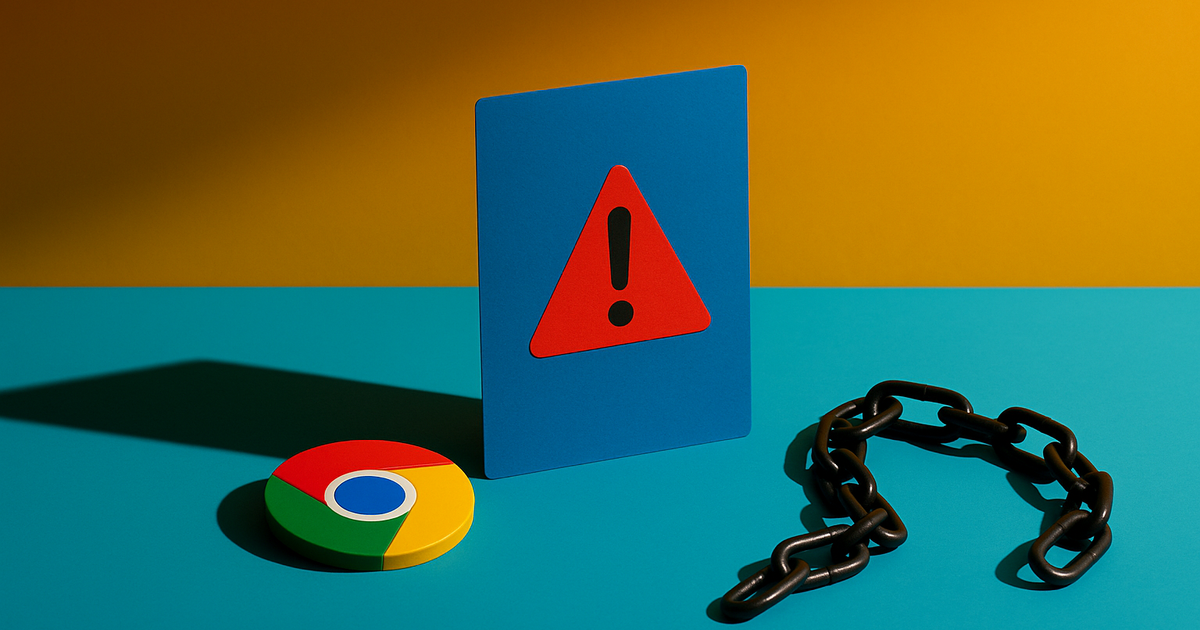
People call this a "blacklist," but the real thing behind it is a Google system called Safe Browsing. When a site spreads viruses, tricks people into typing passwords, or gets hacked and stuffed with junk, Google can mark the whole domain as dangerous. After that, anyone who clicks a link to it in Chrome sees a big red warning screen. Search results can carry a warning too.
If you buy a name that's already flagged, you inherit the warning. Your brand-new site can greet visitors with a red screen through no fault of your own. So it's smart to check if a domain is blacklisted before buying — and the check takes about a minute.
Why a used domain can carry this problem
Plenty of good domain names were owned by someone else first. Most of the time that's fine. But some names had a rough past. Maybe the last owner ran a scam. Maybe the site got hacked and nobody fixed it. Maybe it was parked and loaded with sketchy ads.
You can't see any of that just by reading the name. A domain like austinroofingpros.com looks clean on paper. The only way to know how Google treats it is to ask Google.
What Safe Browsing actually flags
- Malware — the site was serving files that infect visitors' computers.
- Phishing — the site pretended to be a bank, a login page, or a well-known brand to steal information.
- Deceptive content — fake download buttons, fake alerts, and other tricks.
- Hacked pages — the real owner lost control and someone added harmful content.
Any of these can put a name on the list. The good news: the check is free and public.
How to run the check in one minute
Google gives you a public tool called the Safe Browsing site status page. Here's how to use it.
- Go to Google's Safe Browsing site status page.
- Type in the exact domain you're thinking about buying.
- Read the result.
If it says "No unsafe content found," that's the answer you want. If it shows a warning, that name has a problem you need to take seriously.
A couple of tips. Check the name with and without "www." Also try any spelling you might actually use. If you're weighing two or three names, run each one. It costs you nothing.
A second quick look
Safe Browsing is the main check, but it only covers Google's own warnings. If you want a fuller picture, you can also see whether the name is even in Google's search results. A name that has vanished from search can be a sign of a deeper past. We walk through that in our guide to checking if a domain is still indexed in Google.
What to do if a name comes back flagged
Don't panic, and don't assume the deal is dead. A flag means "stop and look closer," not "run away forever." You have a few options.
1. Ask why it was flagged
Sometimes a name was hacked years ago, cleaned up, and never fully cleared with Google. That's fixable. A name flagged for running an active scam is a different story — that's one to walk away from.
2. Ask us before you commit
If you're looking at a name on our shop and Safe Browsing shows a warning, tell us. We'd rather help you sort it out than have you buy something with a headache attached.
3. Look at the bigger history
A Safe Browsing flag rarely stands alone. Names with a bad past often show other warning signs too. If you want to dig in, our post on red flags a domain was used for spam or adult content covers what else to look for, and spotting past Google penalties goes deeper on Google's own actions against a name.
Can a flag be removed?
Yes, once the problem is truly fixed. The owner cleans up the site, then asks Google to review it through Google Search Console. Google re-checks the site and lifts the warning if it's clean. You can read how that request works in Google's own documentation on hacked and unsafe sites.
The catch is timing. That review can take days. If you buy a flagged name expecting to clear it fast, you may sit under a red warning for a while. For most small business owners, a name that's already clean is the easier path.
The short version
Buying a used domain name is like buying a used truck. Most are fine. But you check under the hood first. A Safe Browsing look is the fastest, cheapest hood-check there is.
- Run the name through Google's Safe Browsing tool.
- Clean result? Good — move on to the rest of your decision.
- Warning? Slow down, ask questions, and don't buy until you understand why.
Ready to look at a name for your business? Browse the domains for your city or your trade, or send us the one name you have your eye on and we'll run the checks with you. It takes less than a minute to get started, and there's no pressure to decide today.